
Vertical Gallery
 What it does
Displays a vertical product media gallery with zoom, thumbnails, and variant-based image switching. Images and variants are passed from CMS using Framer variables.
Controls
What it does
Displays a vertical product media gallery with zoom, thumbnails, and variant-based image switching. Images and variants are passed from CMS using Framer variables.
Controls
| Control | Description |
|---|---|
| Images | Pass CMS image values using a Framer variable |
| Aspect Ratio | Controls the image frame ratio (1:1, 4:5, 16:9) |
| Orientation | Choose vertical or horizontal scrolling |
| Thumbnail Position | Set where thumbnails appear |
| Variants | Pass CMS variant data to sync images |
| Gap | Adjust spacing between images and thumbnails |
| Border Radius | Round gallery image corners |
| Enable Zoom | Allow users to zoom into images |
| Show Thumbnails | Toggle thumbnail previews |
| Thumbnail Bottom Offset | Space between gallery and thumbnails |
| Thumbnail Blur | Apply blur to thumbnail background |
| Thumbnail Border Radius | Round thumbnail corners |
| Thumbnail Active Color | Highlight active thumbnail |
| Thumbnail Size | Control thumbnail dimensions |
Slider Gallery
 What it does
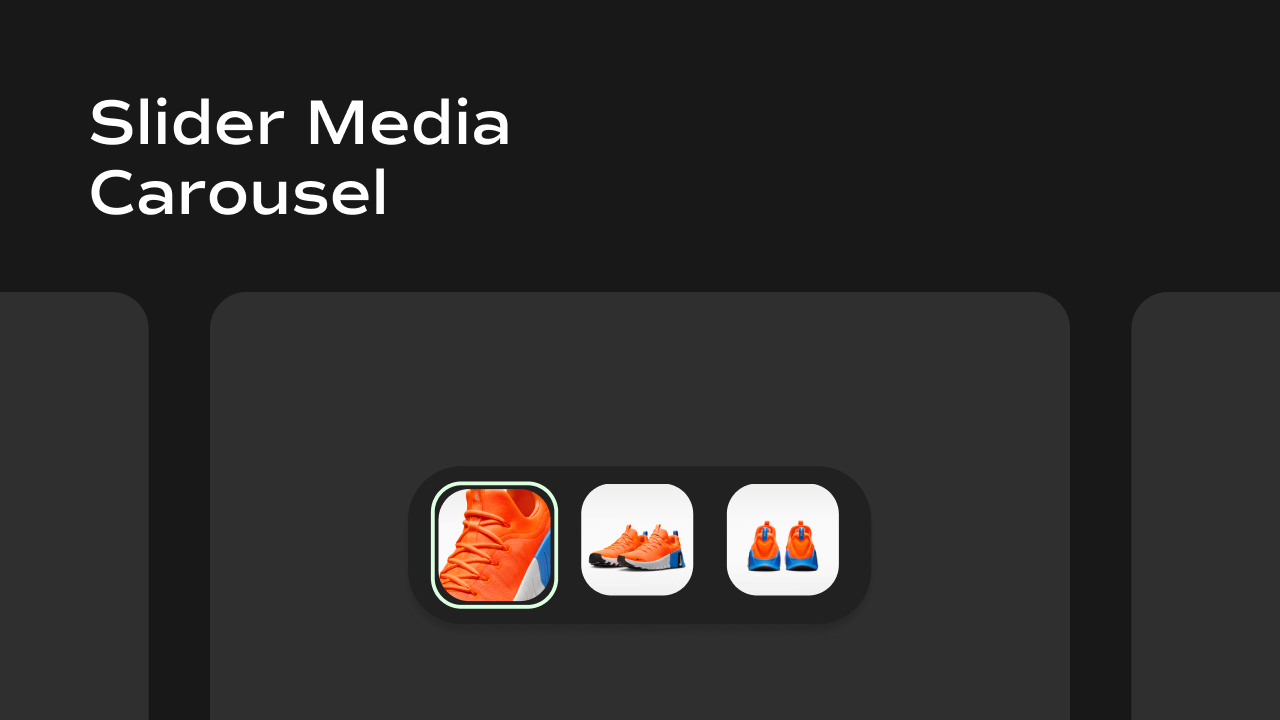
A horizontal image slider with arrows, zoom support, thumbnails, and variant-based image switching.
Controls
What it does
A horizontal image slider with arrows, zoom support, thumbnails, and variant-based image switching.
Controls
| Control | Description |
|---|---|
| Images | Pass CMS image values using a Framer variable |
| Aspect Ratio | Controls image frame ratio |
| Thumbnail Position | Set thumbnail placement |
| Show Arrows | Toggle arrow navigation |
| Arrow Position | Choose arrow placement |
| Enable Zoom | Allow image zooming |
| Compact Arrows | Use smaller arrows for minimal UI |
| Variants | Sync CMS variants with images |