
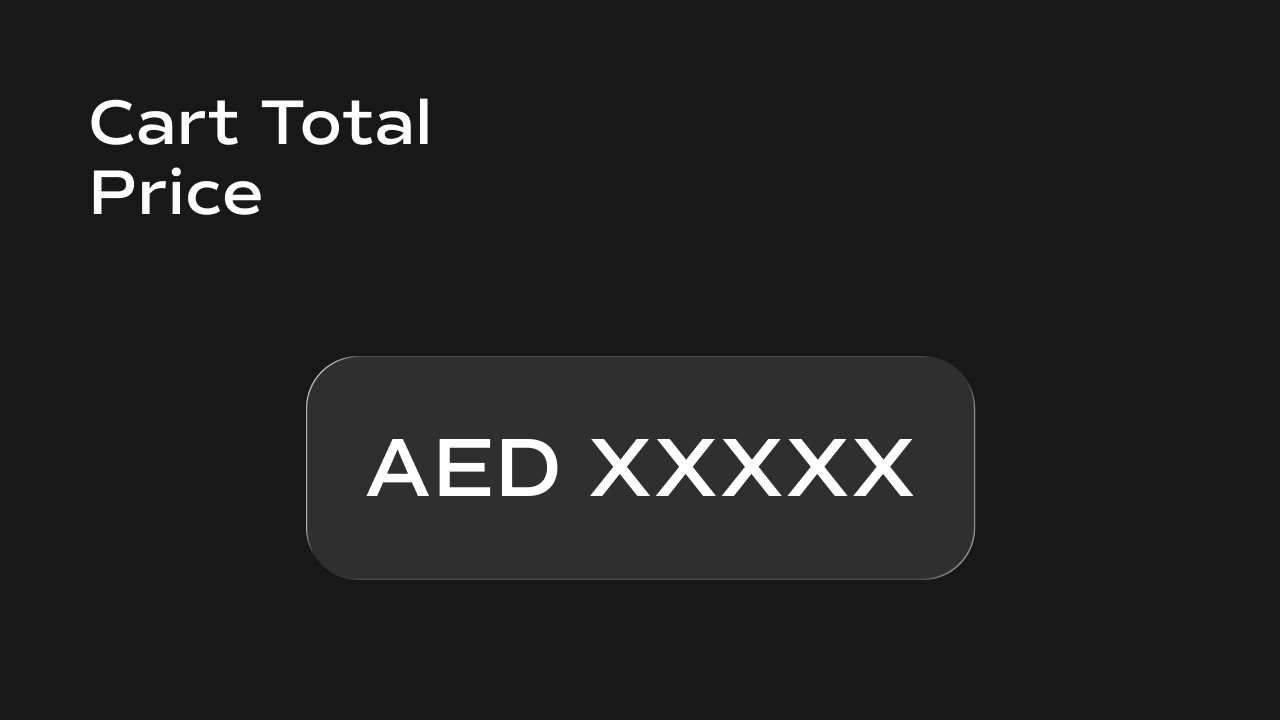
 A real-time cart total component for Framer that calculates and displays the combined price of all items in the cart, with optional currency symbol and code.
What It Does
The Cart Total Price renders a single line of text showing the total cost of all items currently in the cart. It multiplies each item’s price by its quantity, sums them up, and updates automatically whenever the cart changes. Key behaviors at a glance:- Calculates total — sums
price.amount × quantityacross all cart items and displays the result. - Updates in real time — listens for the
cartUpdatedevent onwindowand recalculates the total instantly whenever the cart is modified by any other component. - Currency symbol and code — optionally displays the currency symbol (e.g.
₹) before the total and/or the currency code (e.g.INR) after it. Both are derived from the first item’scurrencyCodefield in the cart. - Defaults to zero — displays
0when the cart is empty.
Property Controls
All controls are accessible in Framer’s right panel when the component is selected. They are grouped into two sections: Styles and Format.Styles
Format
Notes
- The currency symbol and code are both read from the first item in the cart. If your cart contains items with mixed currencies, only the first item’s currency will be shown.
- The total does not apply any decimal formatting — it displays the raw calculated number. Use the Dynamic Product Price component if you need decimal control per variant.
- Any component that modifies the cart must dispatch a
cartUpdatedevent onwindowafter writing tolocalStoragefor the total to update. - The supported currencies and their symbols are: USD
$, EUR€, GBP£, INR₹, JPY¥, CNY¥, AUDA$, CADC$, CHFCHF, SEKkr, NZDNZ$, SGDS$, HKDHK$, KRW₩, ZARR, RUB₽, BRLR$, MXNMX$, AEDد.إ, SAR﷼.