
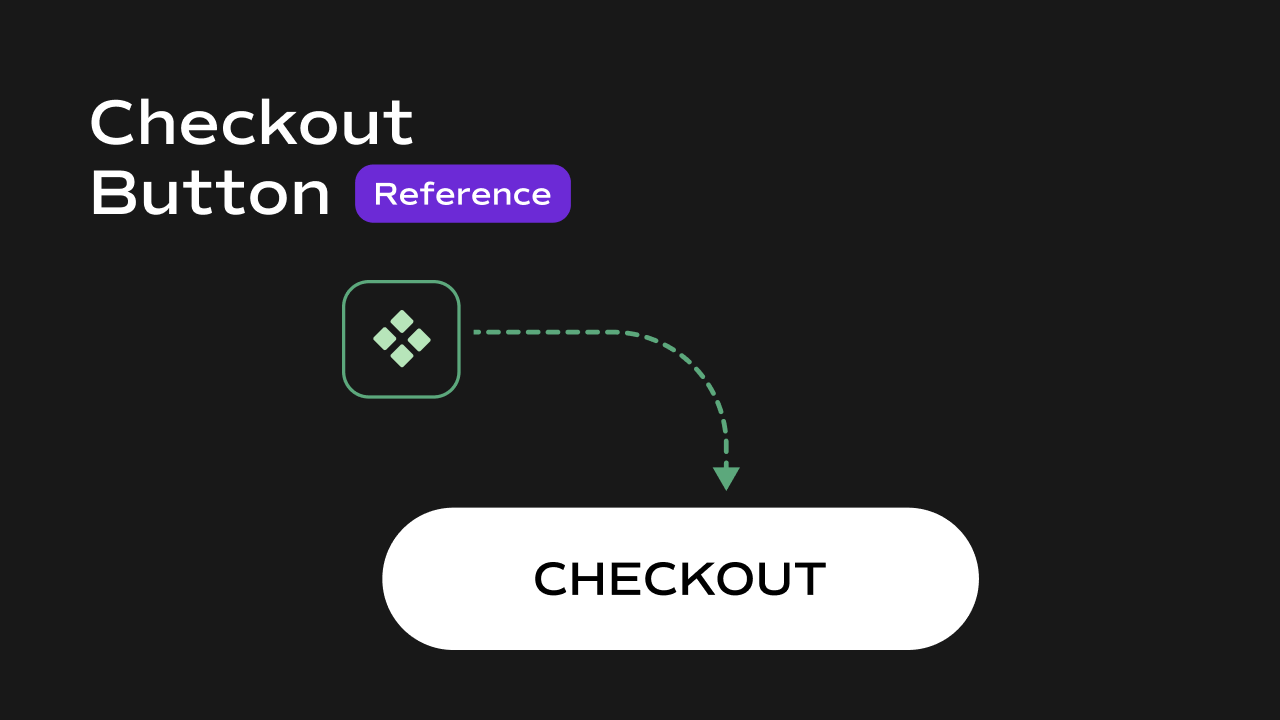
 A Shopify checkout trigger component for Framer that reads the current cart from
 localStorage, creates a Shopify cart via the Storefront API, and redirects the user to the Shopify checkout URL.
What It Does
The Checkout Button is a wrapper component — it accepts any Framer element as its child and makes it trigger the Shopify checkout flow when clicked. The button itself has no visual style of its own; the appearance is entirely defined by whatever component you place inside it. Key behaviors at a glance:- **Reads cart from **
localStorage— on click, reads thecartkey fromlocalStorage, which is expected to be a JSON array of items withvariantIdandquantity. - Creates a Shopify cart — sends a
cartCreateGraphQL mutation to the Shopify Storefront API with all items in the cart. - Redirects to checkout — opens the Shopify-generated
checkoutUrlin a new tab once the cart is successfully created. - Silent on empty cart — if the cart is empty or missing, the click does nothing and logs a warning to the console.
- Accepts any child element — wraps whatever Framer component or design element you place inside it, so the visual design of the button is completely up to you.
Property Controls
Notes
- This component requires
window.DOMAINandwindow.ACCESSTOKENto be set globally on the page. Without these, the Shopify API call will fail. - The cart data must be stored in
localStorageunder the keycartas a JSON array. Each item in the array must have avariantId(numeric Shopify variant ID) and optionally aquantity(defaults to1if not provided). - The checkout URL opens in a new tab (
window.open). - If the Shopify API returns no checkout URL (e.g. due to an invalid variant ID or API error), the component logs an error to the console and does not redirect.
- This component has no fallback UI for errors — error states are only visible in the browser console.