
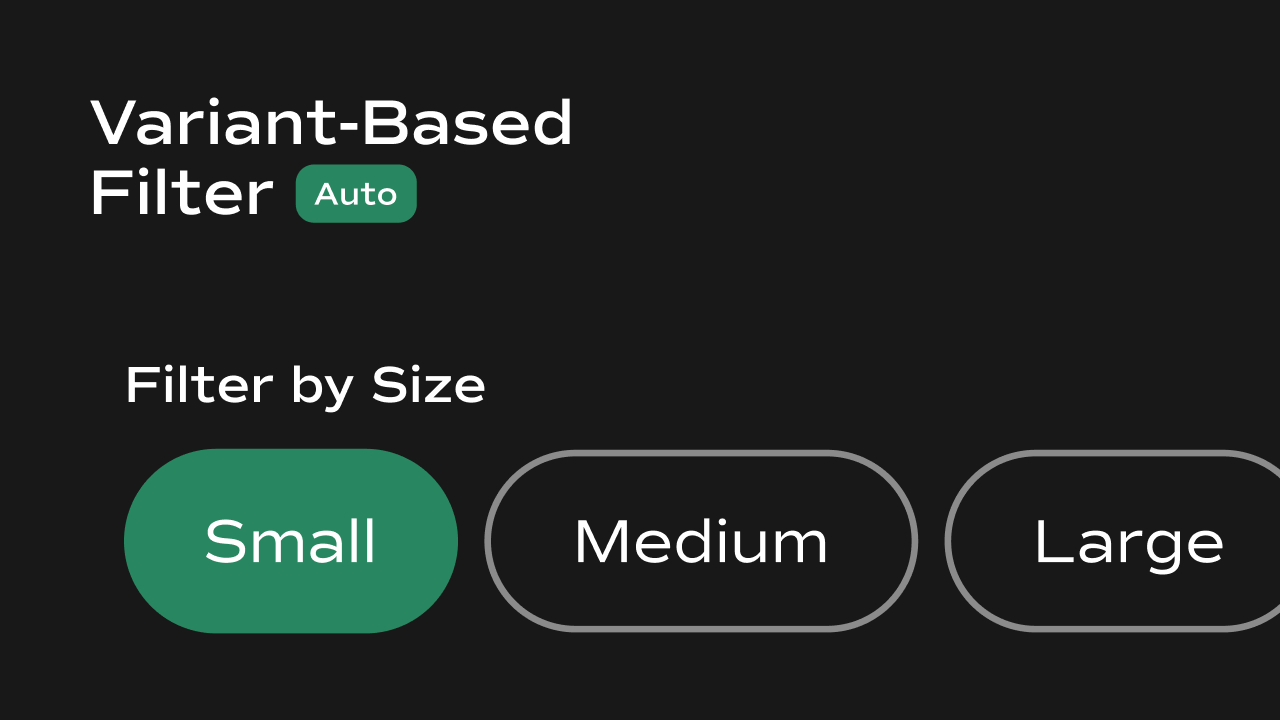
Variant-Based Filter
A Shopify-connected product filter component for Framer that fetches all variant options across your catalog and renders them as clickable filter buttons, storing the active selection inlocalStorage for other components to consume.
What It Does
The Variant-Based Filter fetches every product variant from your Shopify store via the Storefront API, groups them by option name (e.g. Size, Color, Frame Style), and displays each unique value as a filter button. When a user clicks a button, the component stores the selection inlocalStorage and broadcasts a storage event — allowing a product listing component on the same page to reactively filter its results.
Key behaviors at a glance:
- Fetches variants from Shopify — on load, queries the Shopify Storefront API to get all products and their variants. Falls back to dummy preview data if Shopify credentials are not available (e.g. inside Framer’s canvas).
- Groups by option name — variant options are automatically grouped and labeled by their Shopify option name (e.g. all Size values together, all Color values together).
- Single or multi-select — can be configured to allow selecting one filter at a time or multiple filters simultaneously.
- AND/OR filter logic — selecting multiple values within the same option group uses OR logic (e.g. Small OR Medium). Selecting values across different option groups uses AND logic (e.g. Size: Small AND Color: Black).
- **Persists selection in **
localStorage— the active filter tags and the matching product IDs are both written tolocalStorageand kept in sync across page interactions and component instances. - Broadcasts storage events — fires
storageevents so other components (e.g. a product grid) can react to filter changes without a page reload. - Optional label — a text label can be shown above the filter buttons.
- Preview-safe — renders dummy Size and Color options in Framer’s canvas when Shopify credentials are unavailable.
Property Controls
All controls are accessible in Framer’s right panel when the component is selected. They are grouped into the following sections: Initial, Label, Show Label, Product Limit, Variants Per Product, Fetch All Variants, Enable Multi-Select, Filter by Product ID, Layout, Gap, and Styles.Initial
Label
Show Label
Product Limit
Variants Per Product
Fetch All Variants
Enable Multi-Select
Filter by Product ID
Layout
Gap
Styles
Controls the visual appearance of the filter buttons.Notes
- This component requires
window.DOMAINandwindow.ACCESSTOKENto be set globally on the page for live Shopify data fetching. Without these, it renders dummy Size and Color options for canvas preview. - Filter state is stored in
localStorageunder two keys:variantFilter(selected tags) andvariantFilterProductIds(matching product IDs). Any other component on the page can read these keys to apply the filter. - The component fires a
storageevent onwindoweach time the filter changes, so product listing components can reactively update without a page reload. - AND/OR logic: multiple values within the same option (e.g. two sizes) are combined with OR. Values across different options (e.g. a size and a color) are combined with AND.
- In Fetch All Variants mode, the component paginates through up to 100 pages of products. For very large catalogs this may take a moment on first load.